Waste Management Mobile Application
UX Case Study
iOS Native Mobile Application
Lead UX Designer
I orchestrated weekly sprint planning sessions, conducted user research, analyzed survey data, and made designs. I collaborated with developers, ensuring alignment between design and development.

PROJECT OVERVIEW
About Sift
Sift is a waste management mobile application that helps users make informed recycling decisions by offering recycling instructions and educational resources. This MVP focuses on recycling rules and regulations in the Vancouver, BC area.
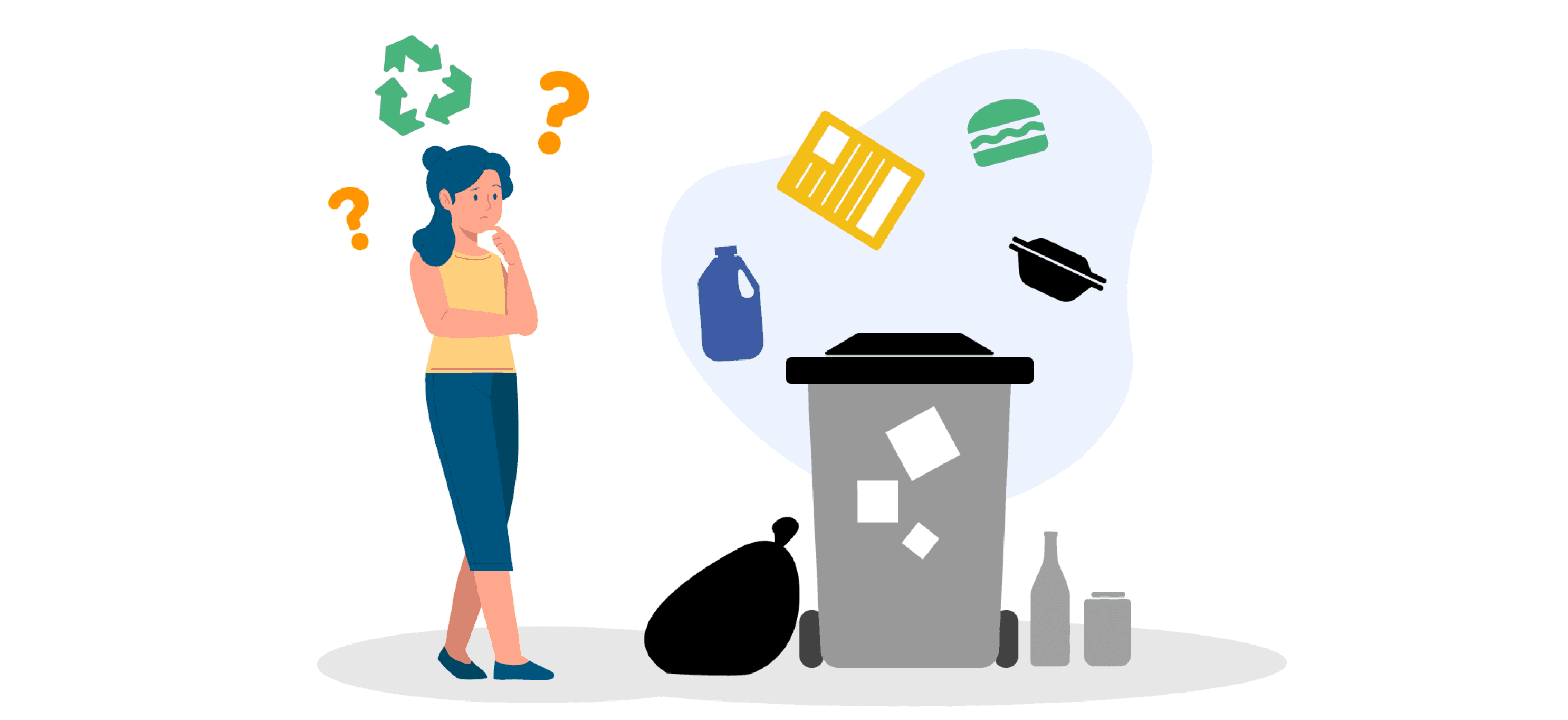
Problem - which item to put into which bin?
Recycling rules vary greatly depending on the country, or province where you live. In Canada, these regulations can differ even within cities, making it challenging to know how to properly recycle items. This confusion often leads to people disposing of items in general waste bins or placing them in the wrong bins, contributing to pollution and environmental harm.
Solution
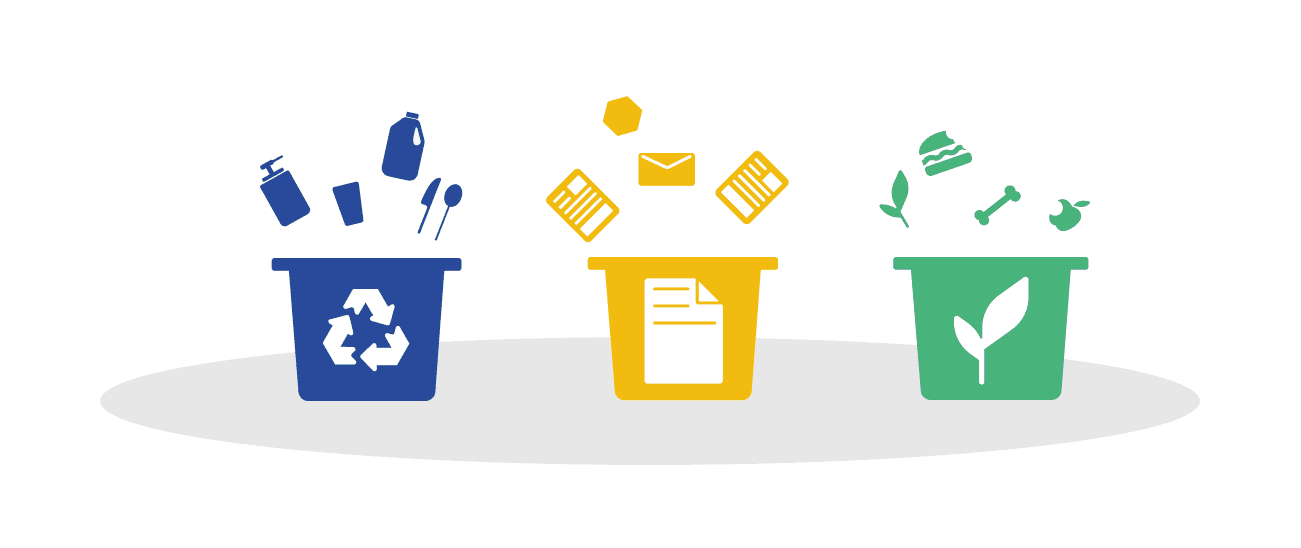
Sift is an educational waste management mobile application designed to empower users in making informed recycling decisions. The application ensures clarity by clearly explaining which items belong in which bins. The MVP is focused on the Vancouver, BC area, aligning with local recycling regulations to promote responsible waste management practices.
The Process
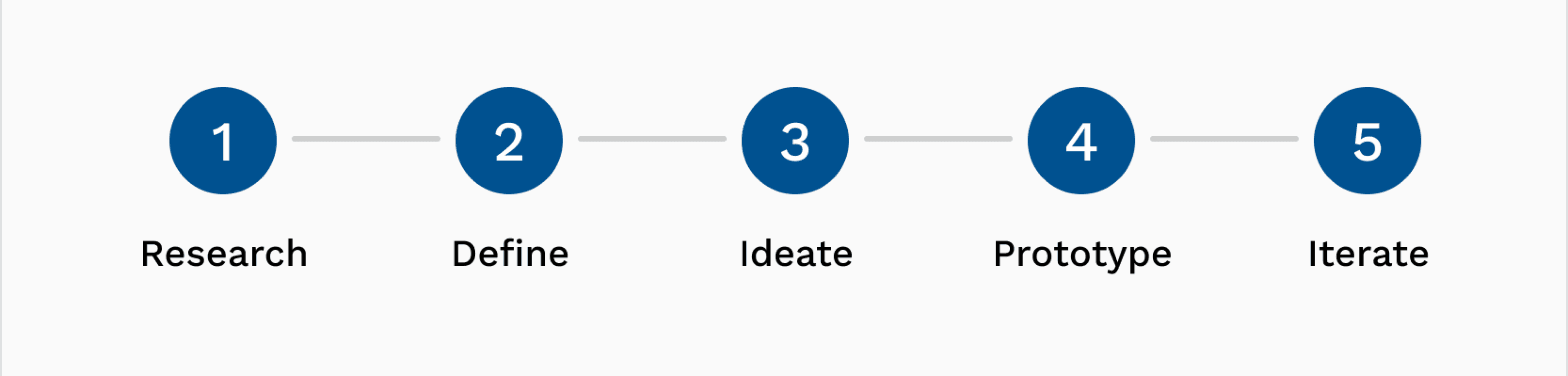
In this project, I followed a human-centered design process, beginning with primary and secondary research. Our team utilized Miro and InVision for brainstorming ideas, analyzing research data, and finalizing the application's features.
Project Plan
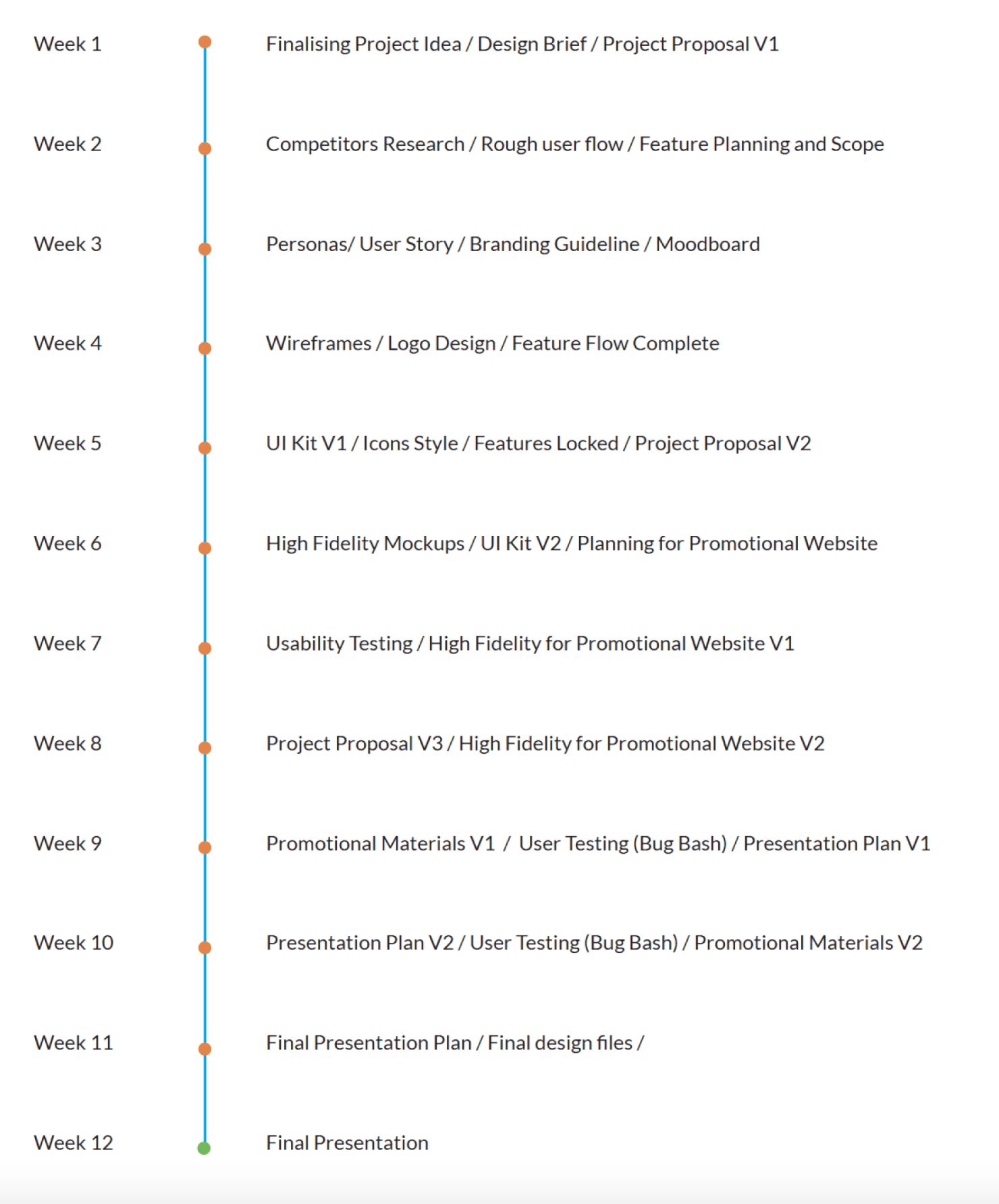
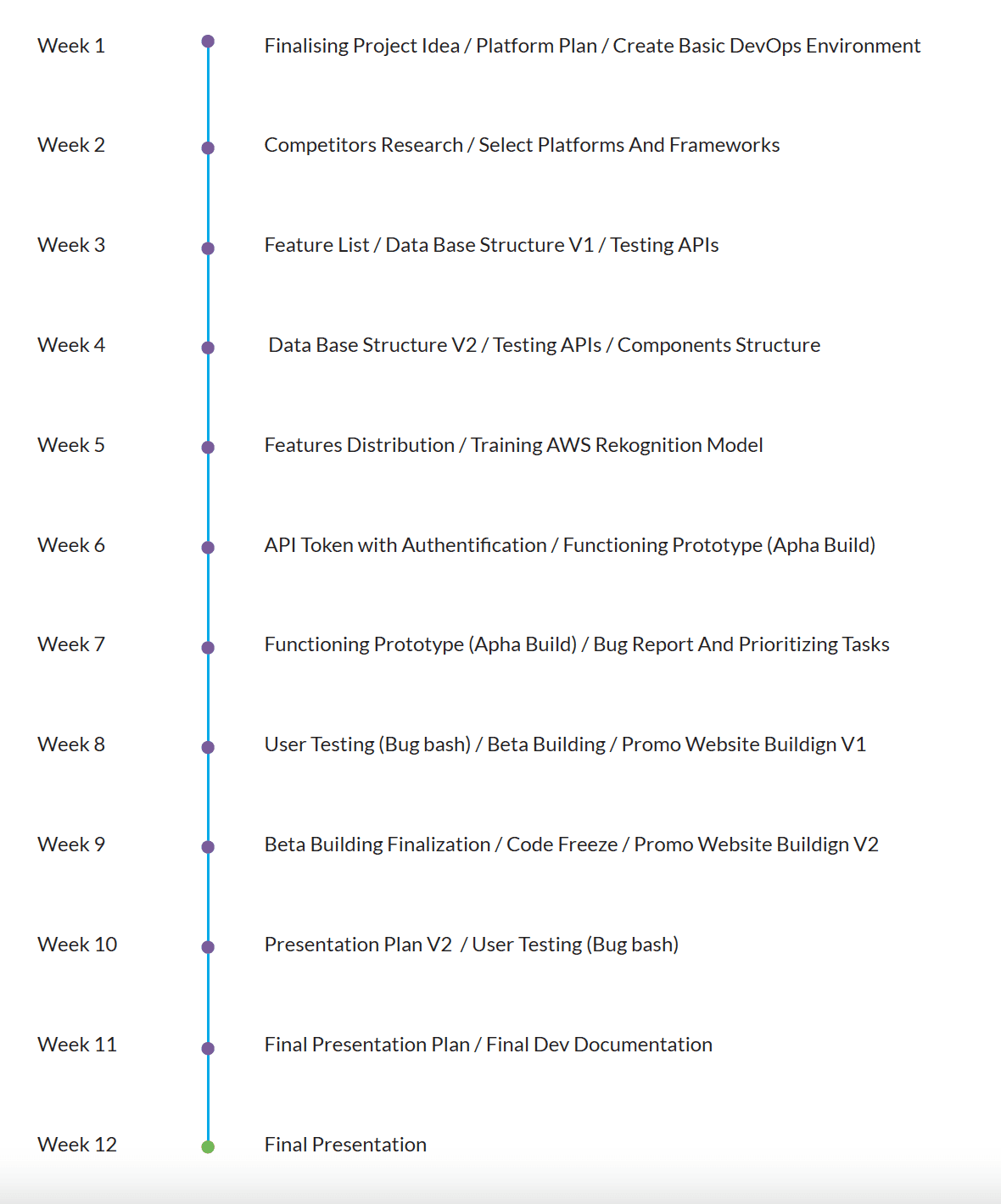
As the lead UX Designer, I oversaw project planning. I closely coordinated with the development lead to determine achievable feature delivery within set deadlines.
Design Plan
Development Plan
RESEARCH
Secondary Research
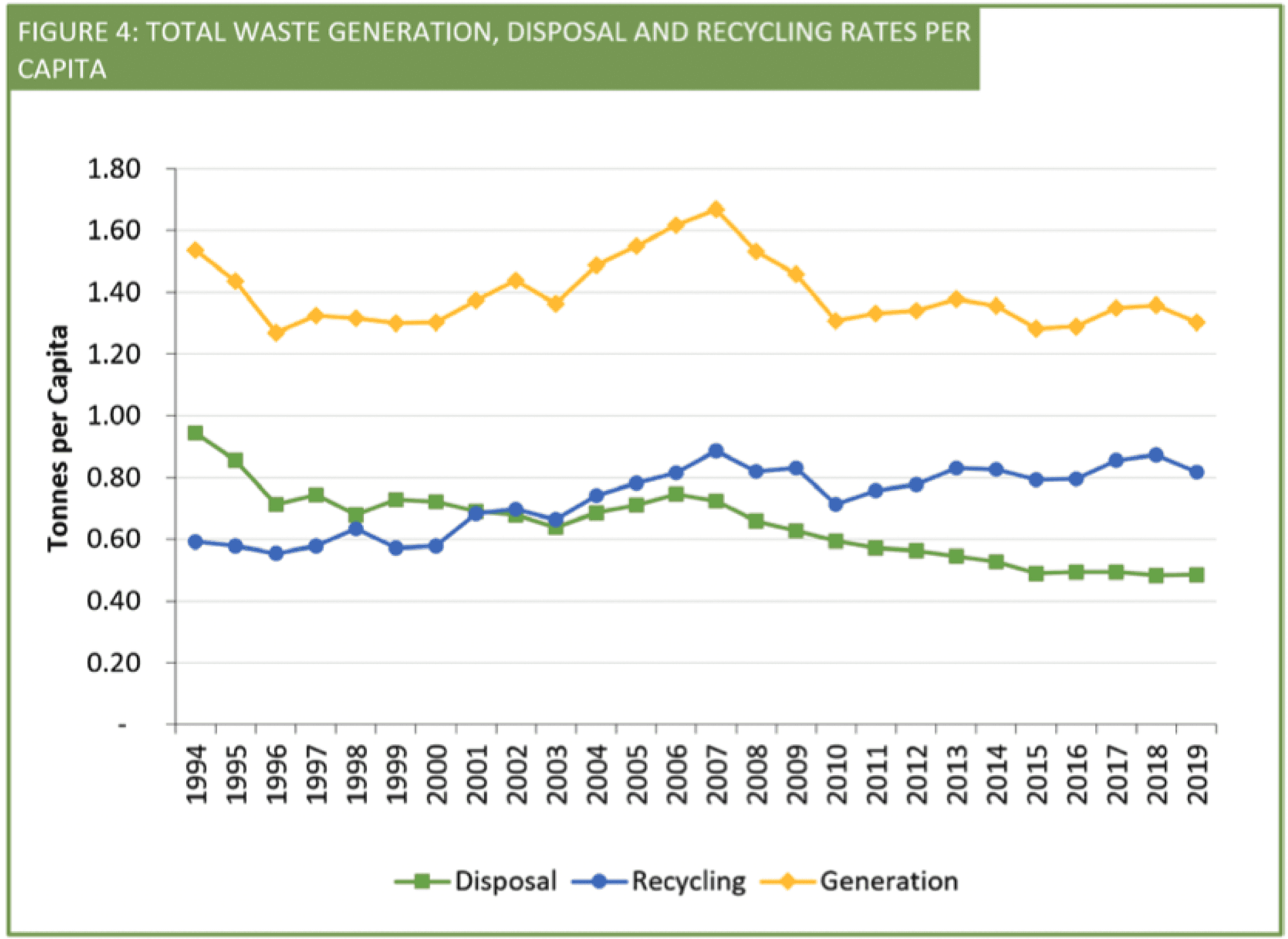
"People often struggle to recycle their waste properly, uncertain about what can be recycled or how to go about it. One of the biggest challenges for recycling programs is dealing with the garbage or other non-recyclable materials that end up in the system." - CBC News
Our team's secondary research and survey revealed that 70% of individuals are unsure about how to recycle most of their garbage, leading them to dispose of everything in general waste bins.
Competitors Research
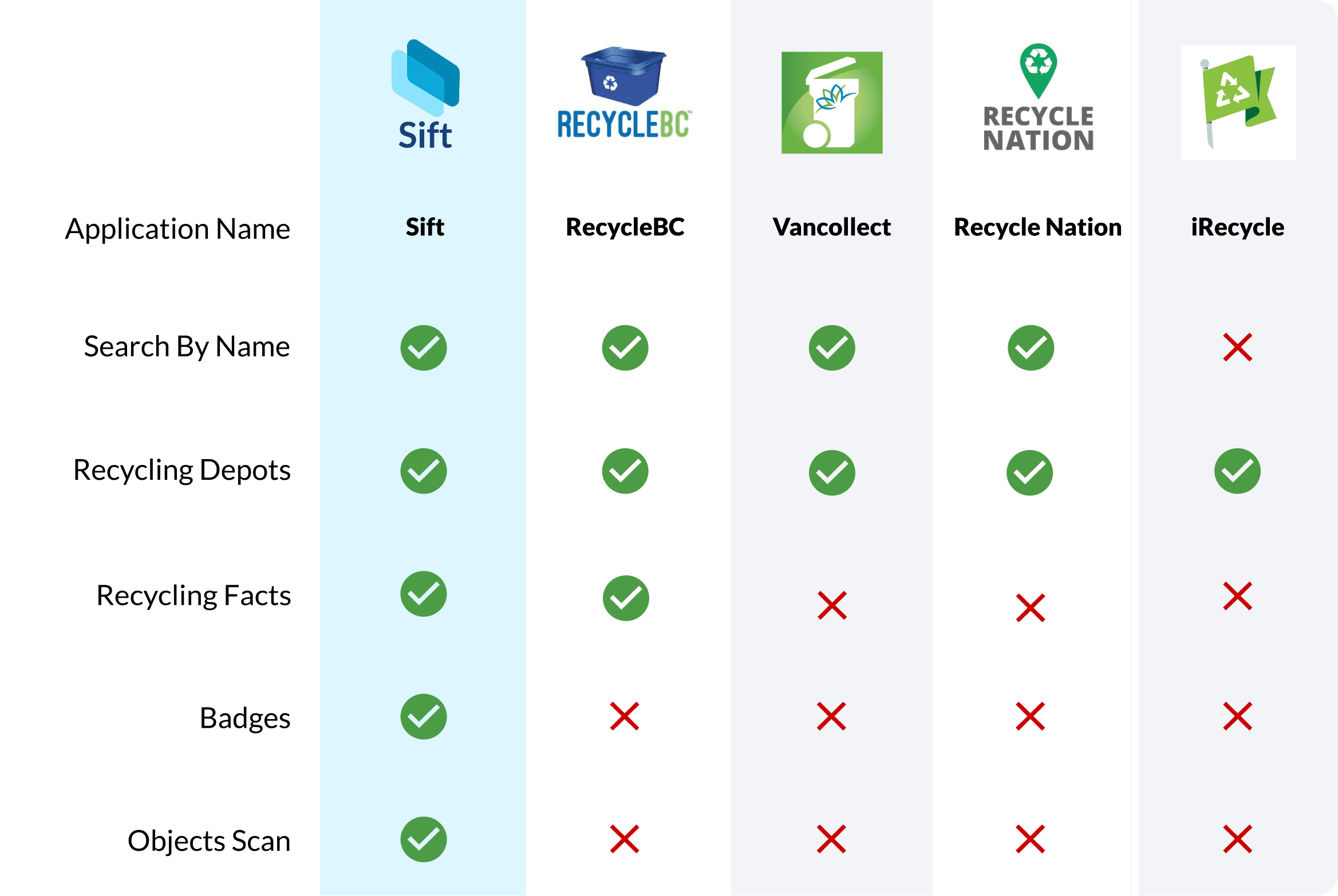
To assess our assumptions, we thoroughly analyzed existing applications in the market. This comprehensive review enabled us to identify the features offered by our competitors and pinpoint areas where we could differentiate ourselves. Consequently, we were able to strategically determine the features we aimed to incorporate into our MVP.
Primary Research - Personas
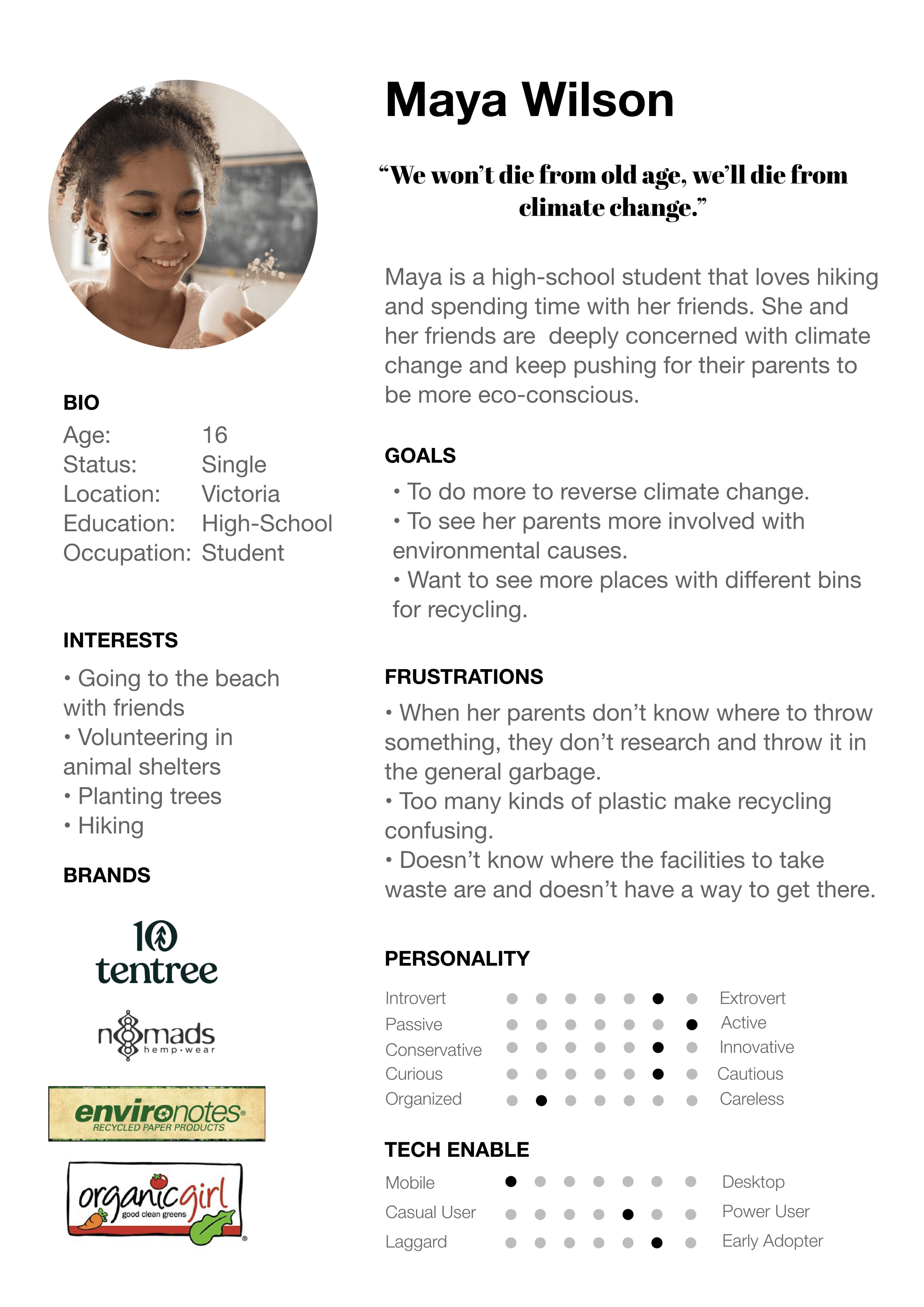
I have conducted informational interviews with 10 potential users. From these interviews, I worked with 3 other designers to derive our key personas. One of the 'Aha' moments was the users' preference for taking pictures of objects and receiving simple illustrations or voice explanations over plain text (as seen in other applications). This realization led us to change our direction, as we had initially planned to descope the scan functionality due to its complexity. While exploring options, we considered a feature where the app would provide recycling instructions to users (using AI voice) upon scanning an object. However, due to technical limitations in implementing voice instructions, we decided to proceed with displaying results in the form of illustrations and text.

DEFINE
User Flow
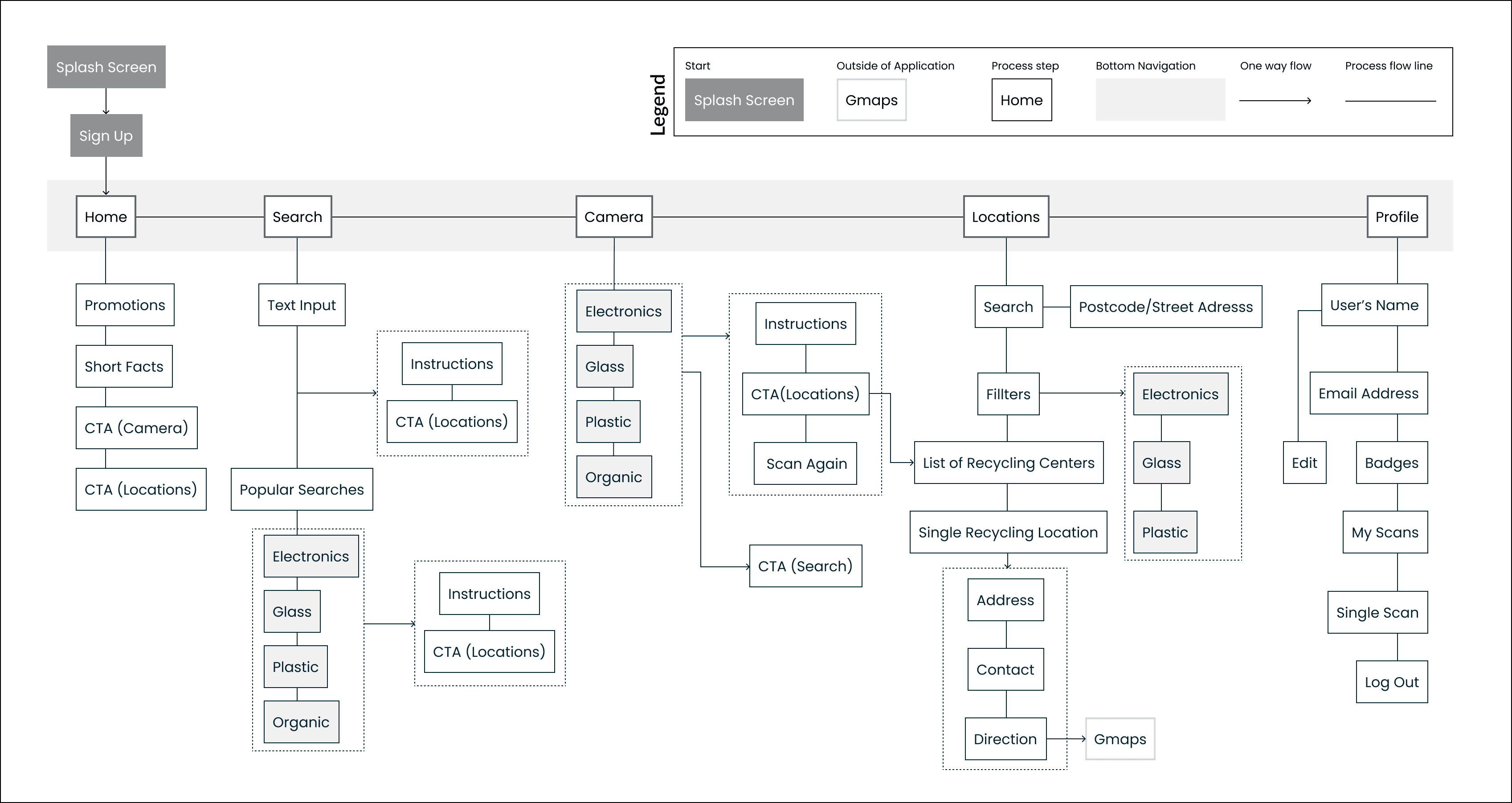
After analyzing the research, I moved into the definition stage. A user flow was created to ensure that all team members were aligned on the capabilities of the application and how these capabilities would work together. We had three brainstorming sessions before finalizing the flow.
Features
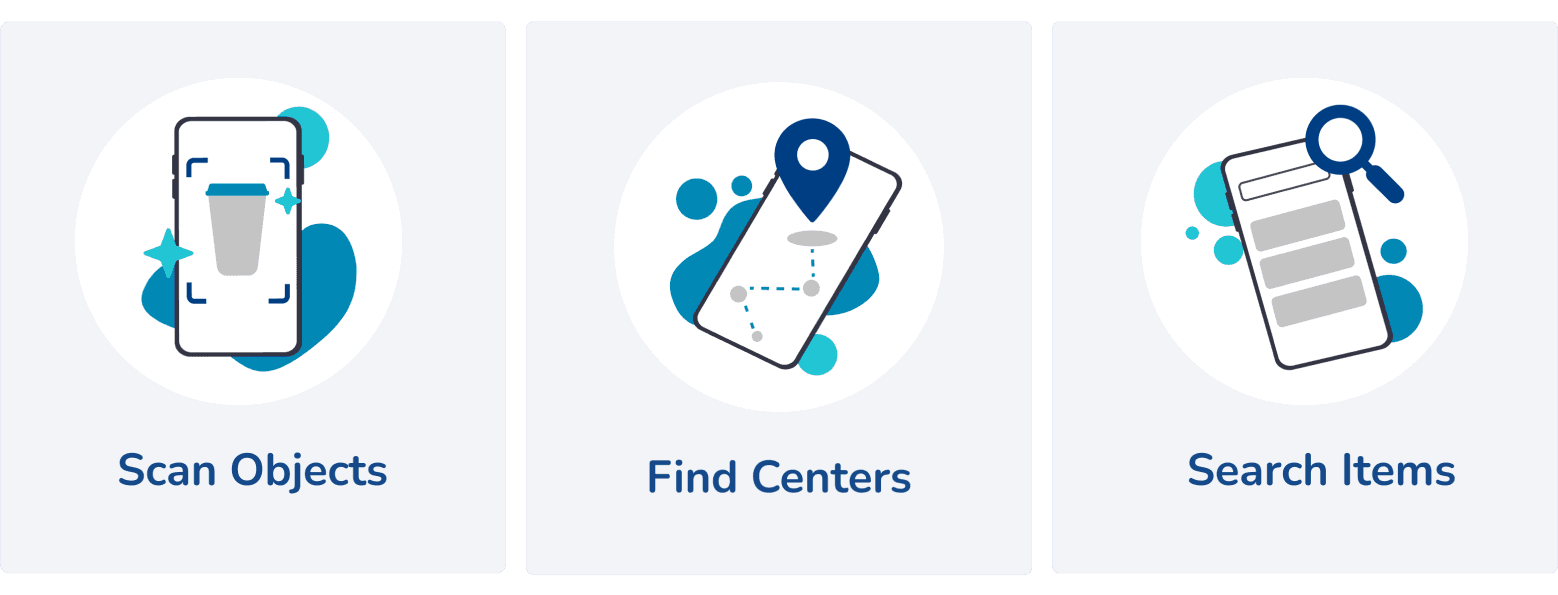
After defining the user flow, we proceeded to finalize the high-level functional capabilities. For the MVP, we decided to focus on three main features:
Object Scan: Users can utilize their phone camera to scan objects and receive information on how they can be recycled. Trained our own image recognition model.
Search by Name: Users can input the name of an item to receive instructions on its proper disposal. Used open-source API.
Recycling Centers: With user permission for geolocation, the app suggests nearby recycling centers for items like batteries and furniture. Utilized Google maps API.
System Architecture
To ensure accessibility across both Android and iOS platforms, we developed the app using React Native. The provided diagram illustrates the application's front-end and back-end.

IDEATE
Wireframes
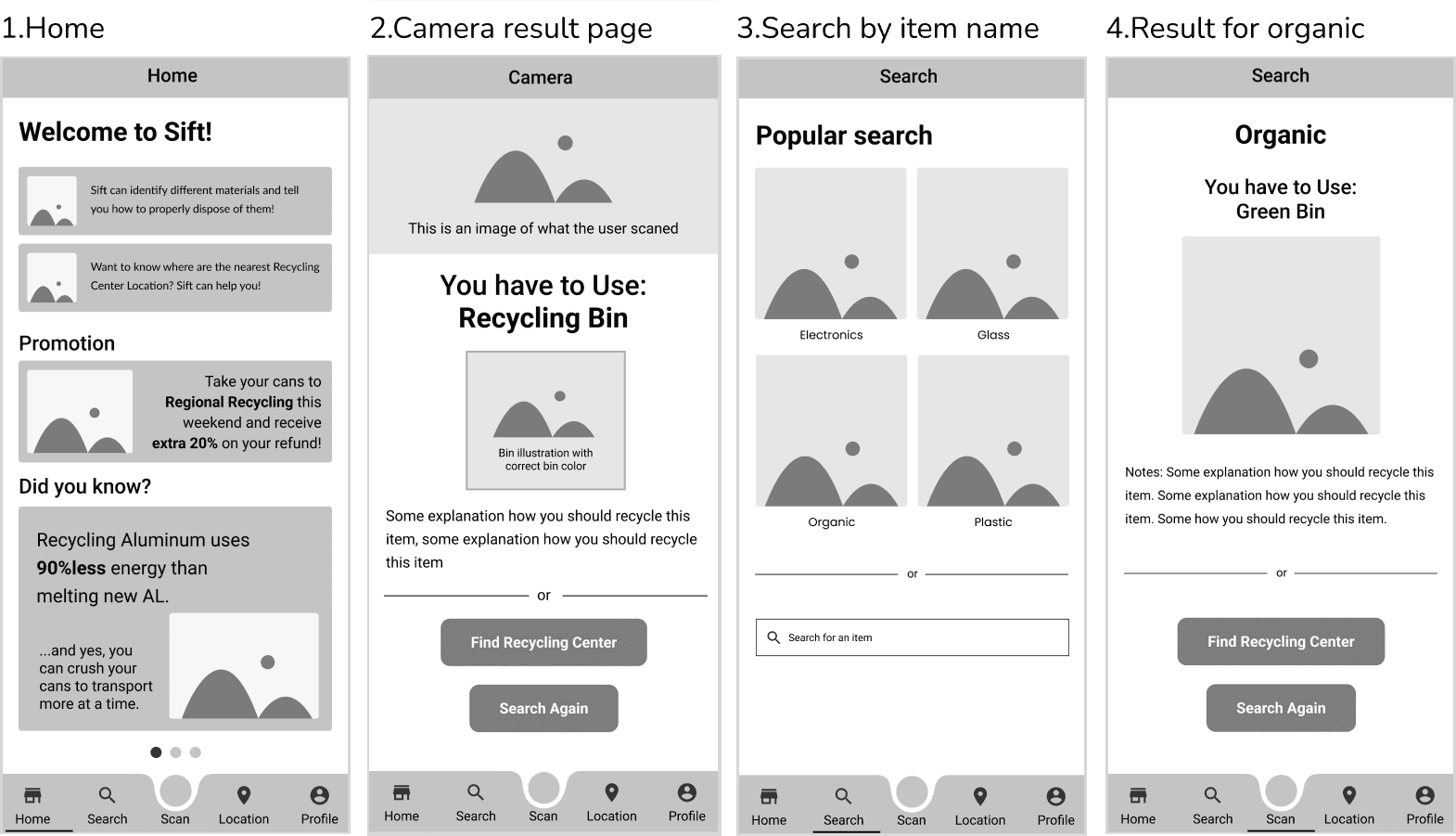
After defining the user flow and key features, I delved into creating wireframes. Each designer tackled a separate feature; my responsibility was the search functionality and home page. A notable challenge we faced was establishing the level of detail required for wireframes. We set a standard to annotate each element to ensure clarity.
ITERATE
Home Page
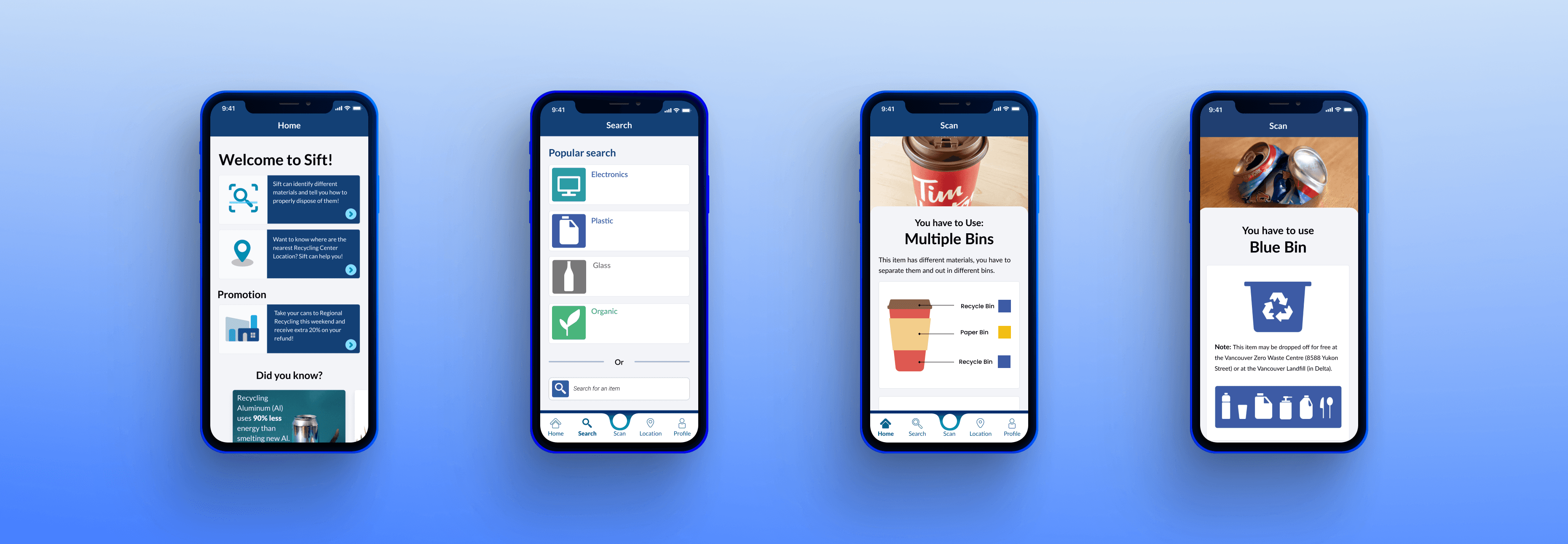
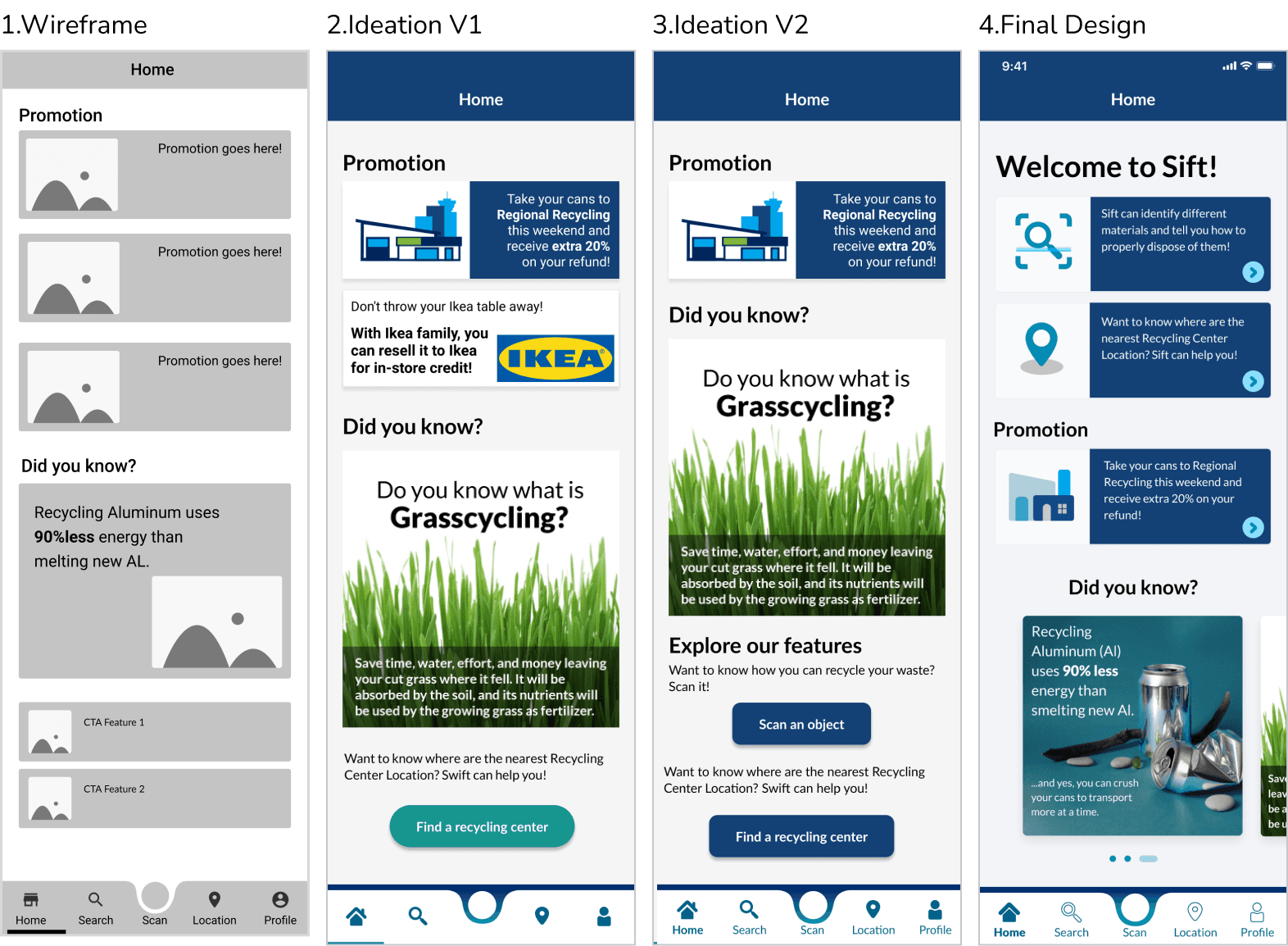
The process of designing the home page began with wireframing, followed by visual design. It required two iterations to reach the final design. The home screen showcases two call-to-action buttons for scanning and searching. A promotional section is included for monetization purposes, as we aimed to offer the app for free. Feedback from users emphasized a preference for more visuals and fewer call-to-action buttons on the home page. Users expressed excitement about the scan feature and preferred it to be displayed at the top.
Search Feature
The search feature allows users to input an item's name or select a bin type to learn proper disposal methods, localized for Vancouver, BC. I tested some of the mock screens with users, and two users pointed out, 'I would not type in the name of the product to learn how to recycle it, but I would take a picture as it is faster or maybe scan a barcode.' From the testing, I understood that the search feature might not be as valuable for some users, and this is why we should spend more time on the scan objects.
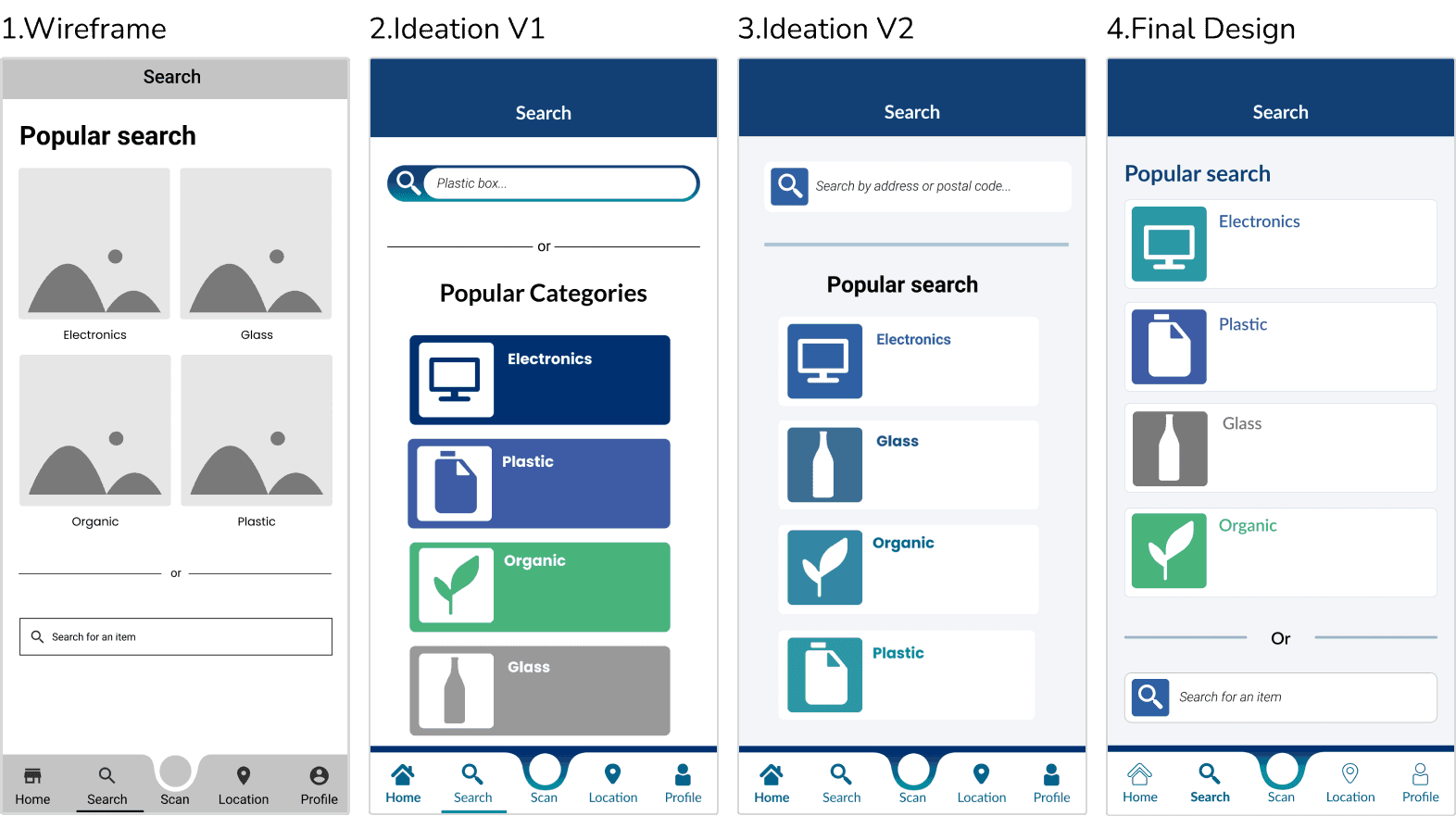
High Fidelity Screens
Presented below are some examples of high-fidelity screens that I developed. Our design ethos prioritized simplicity and cleanliness, which we successfully executed.

BRANDING
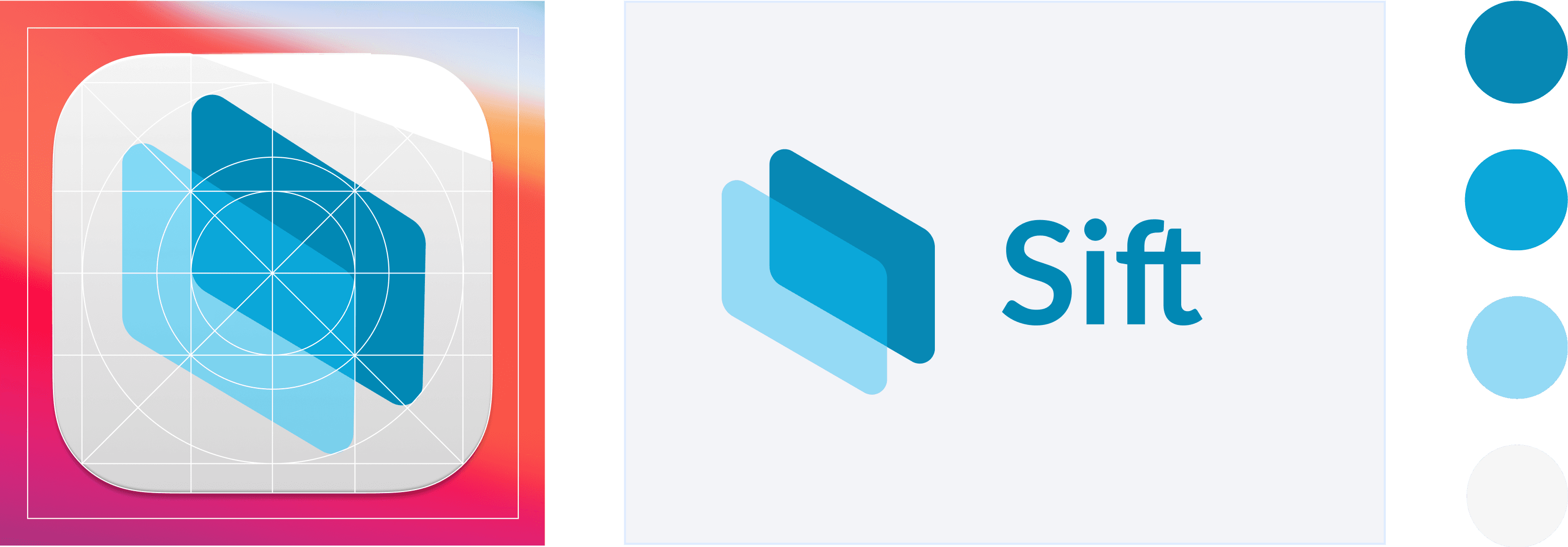
App Logo
The logo symbolizes the diverse range of materials requiring different recycling methods. This is achieved through the combination of two geometric shapes with varying opacities.
Typography
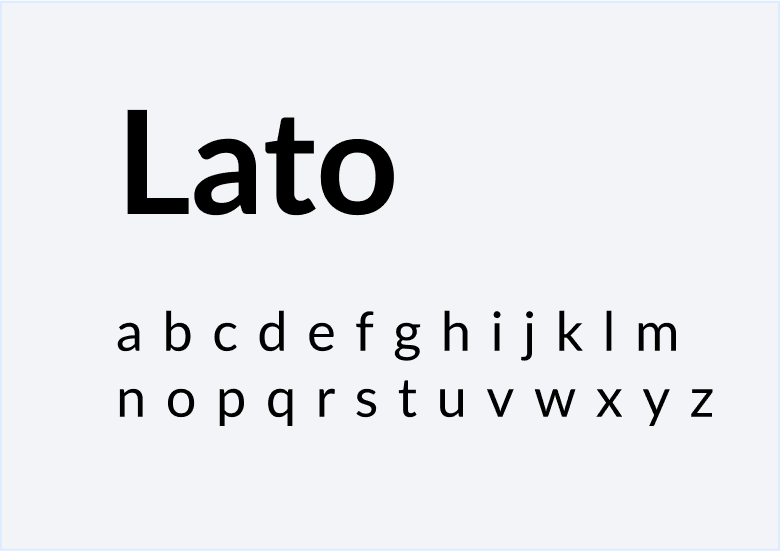
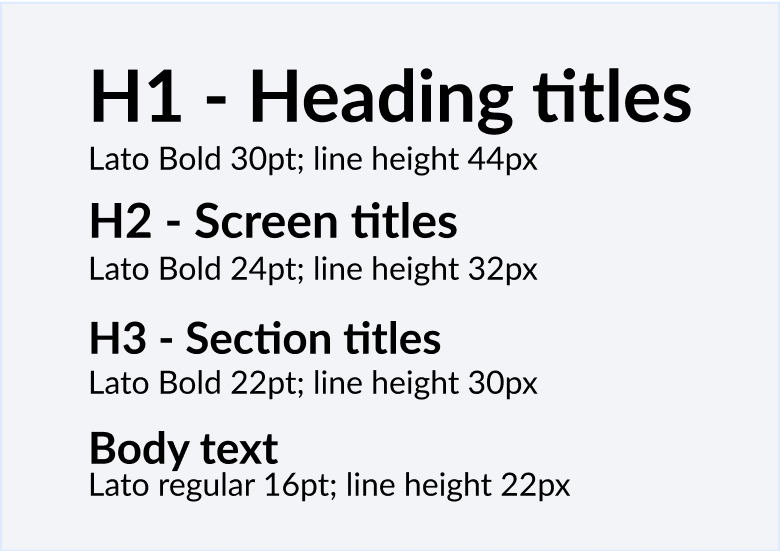
We opted for the Lato typeface due to its modern appearance and readability across different screen sizes and resolutions.
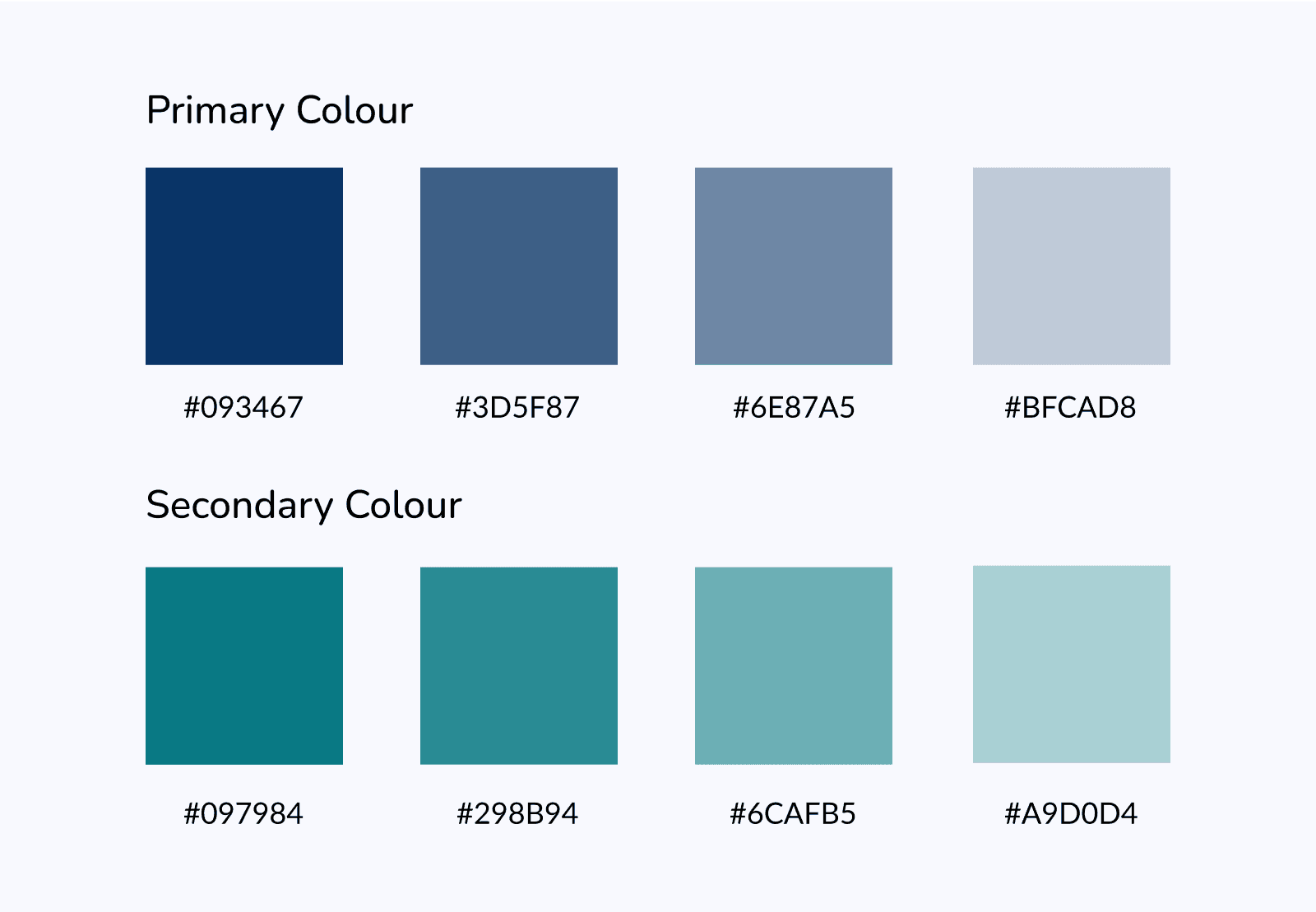
Color Palette
The chosen colors evoke cleanliness and environmental awareness.
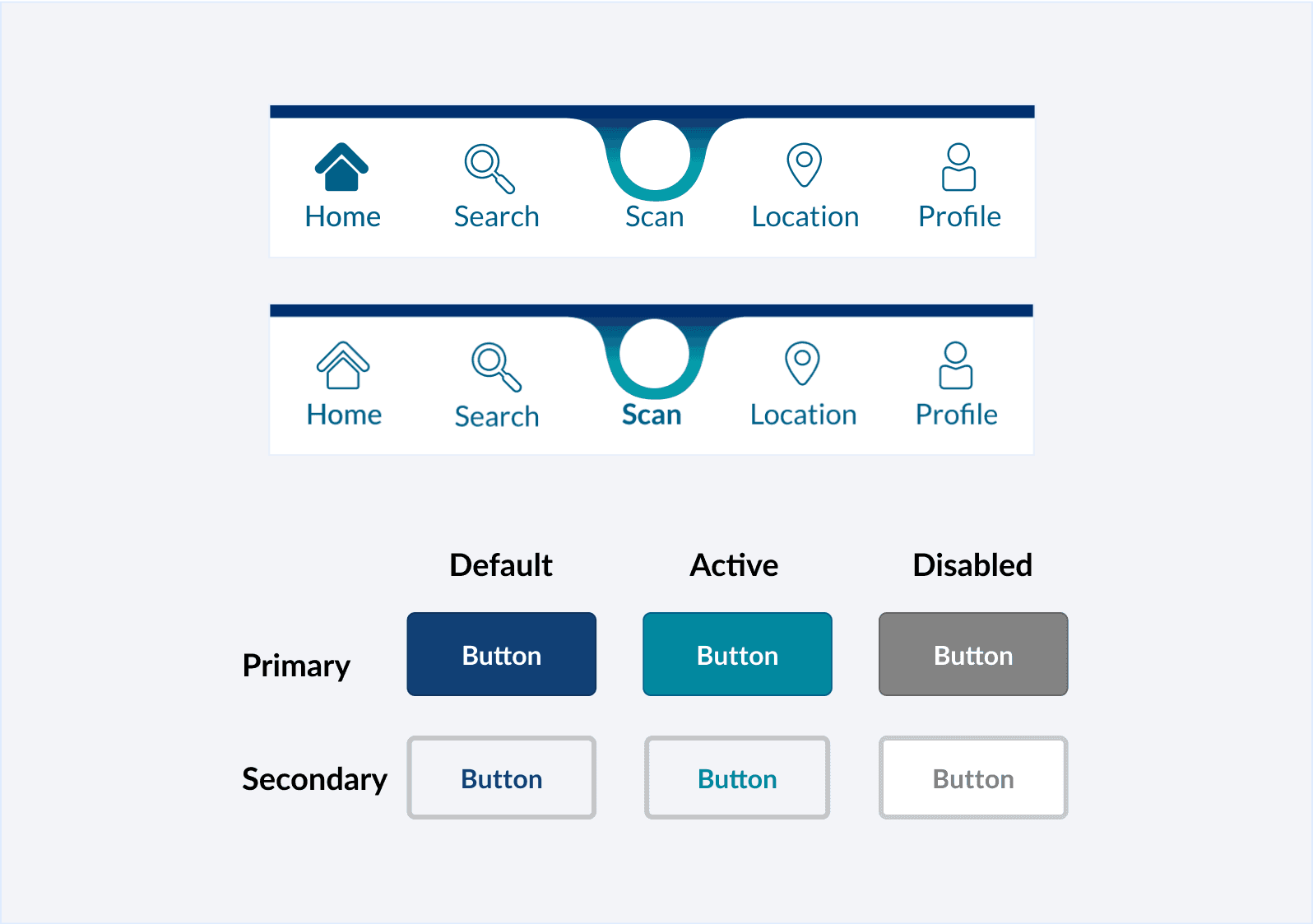
UI: Buttons & Navigation
Curved edges and a light gradient guide users' attention to the scan button, the app's key feature.
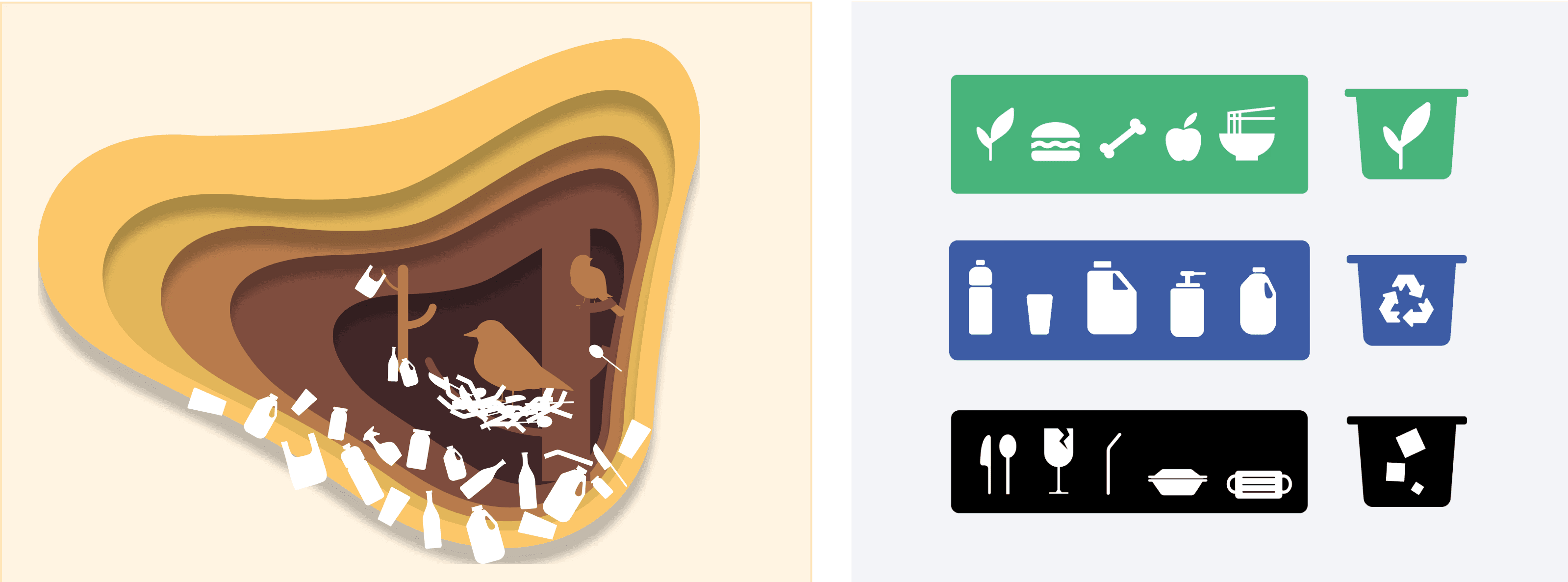
Illustrations
A custom set of custom illustrations and icons was created to help with recycling instructions and underscore the application's purpose.
RETROSPECTIVE
Reflection
Looking back on the project, I'm proud of what I've accomplished. As the Lead UX Designer:
I took charge of ensuring our meetings ran smoothly, giving everyone a chance to share their ideas. At times, we encountered different views during the design process, requiring me to facilitate discussions and guide the team towards consensus. To navigate these challenges, I encouraged each designer to pitch their ideas, and together we selected the strongest ones
We faced numerous technical challenges, particularly with the camera and search features, which demanded my attention to detail and problem-solving skills. Adjusting the designs three times due to deadlines and coding limitations taught me the importance of flexibility and adaptability as a designer
This experience reinforced the significance of collaborating closely with developers to validate designs and ensure their successful implementation
Areas for Improvement
While our team effectively met deadlines and communicated well, we could improve in the following ares:
Implement reusable components during wireframing to maintain consistency
Keep design files organized and well-documented to facilitate better handover to developers
Conduct regular design reviews to gather feedback
NEXT STEPS
Future Roadmap
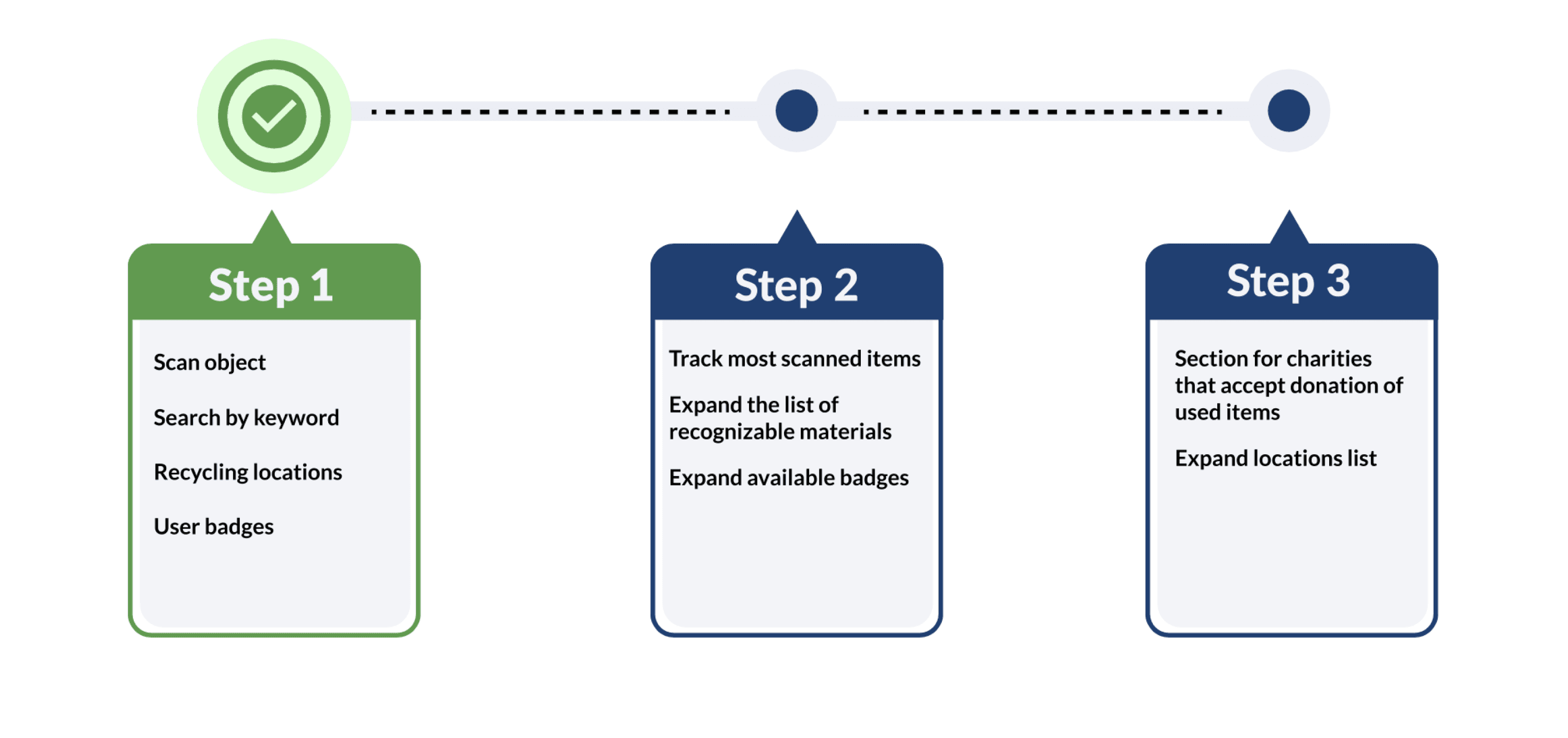
If we were to continue the project, our focus would shift to tracking frequently scanned items, expanding the list of recognized materials for the scan functionality, and fostering collaborations with charities. To enhance user engagement by offering rewards such as points redeemable for discounts at eco-friendly stores.